
Intended audience: ALL USERS
AO Easy Answers for Mobile: 1.0
Signing Out
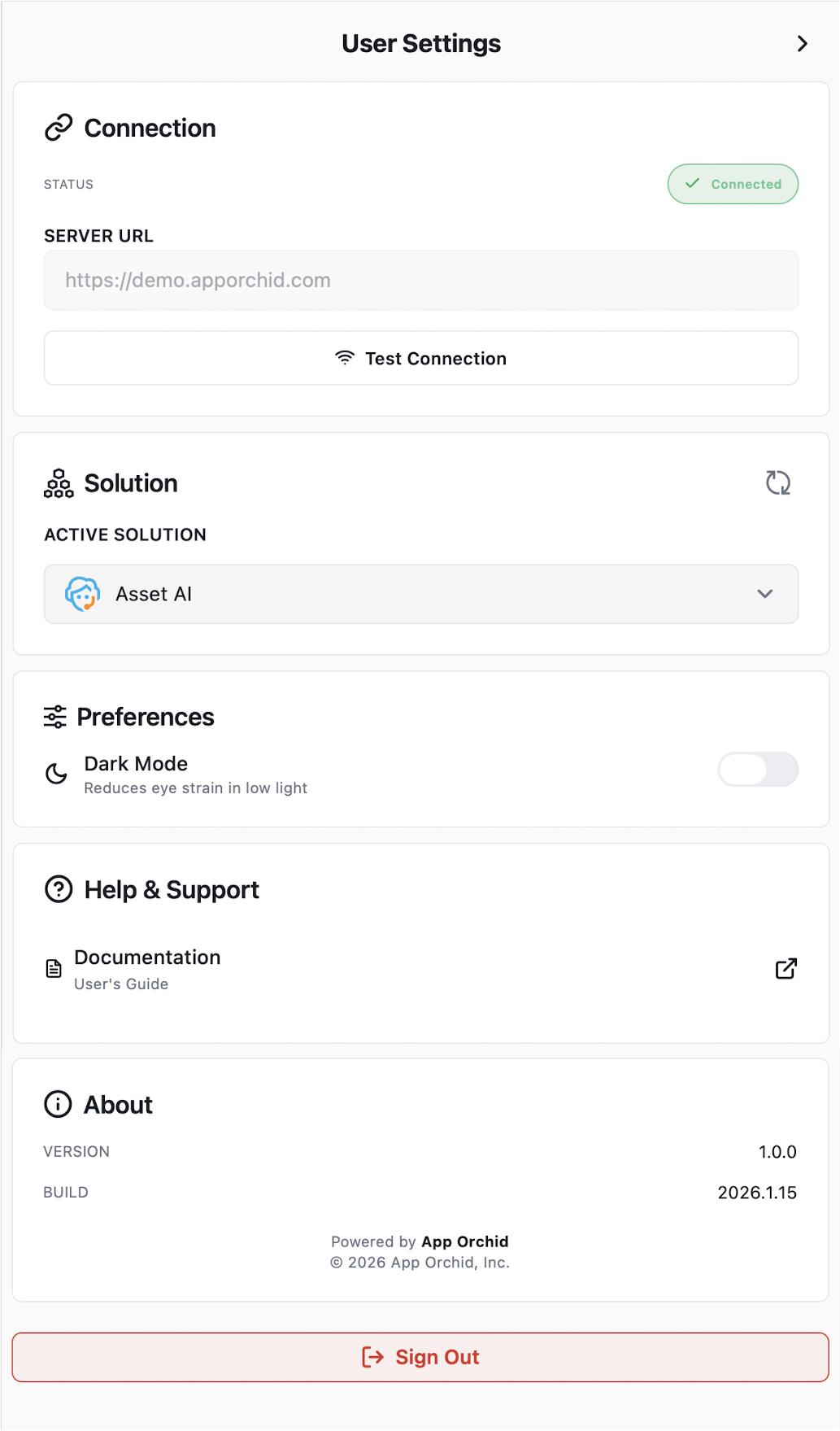
When signed in, to Sign Out, select the User Settings screen from the User icon in the top/right corner of the screen.

Then scroll to the bottom of the Settings screen and click the Sign Out button.
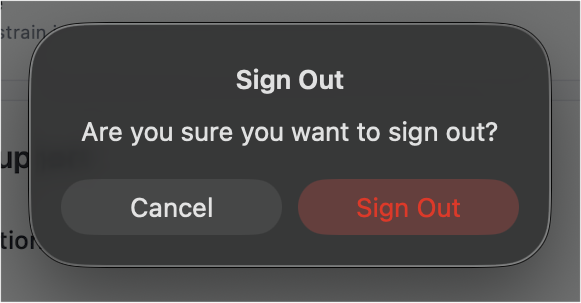
…and the user will be prompted to confirm Sign Out.
Contact App Orchid | Disclaimer